


These days, it feels like everywhere you look, there’s noise around new AI software tools, each one claiming to be the best and the most powerful. But it only takes a few minutes of actually using them to realize something:
they’re nowhere near as good as they claim to be. Their real performance and quality are far from what their marketing suggests.
Most of the time, you can’t even get a decent hands-on experience before having to buy a subscription. They’re not user-friendly at all, you end up getting frustrated just trying to make them do what you want.
And often, they’re nothing more than poorly made wrappers around other LLMs, without any real additional value or unique capability of their own.
But let’s imagine, for a moment, that we could set all that aside, and there actually was a genuinely useful AI tool.
A tool that could really help a broad range of users, especially students, or anyone short on time who still needs to learn and absorb long, complex materials quickly.
Think about it for a second, what if you could actually chat with any piece of content you came across?
Whether it’s a YouTube or TikTok video, an online article, or even a file you already have, what if you could talk to it directly?
What if you could ask questions about that content, get the exact answers you need, have it summarize the key points, or even generate quizzes from it?
Sounds too good to be true, right?
Well, it’s real.
Let me tell you.
Today, we’re going to explore a tool called Recall, as part of our new series where we introduce and learn from some of the best AI tools out there.
Our goal is to highlight tools that are genuinely useful, not just flashy wrappers around other systems.
So, let’s dive in,
what exactly is Recall?
Recall is an AI-powered tool that allows you to truly interact with any type of content you have. It helps you use that content more effectively, and its most impressive feature is that you can actually chat with it.
It’s like having an advanced LLM that you can personally train using only your own content and it only answers based on the information you’ve provided with much more features.
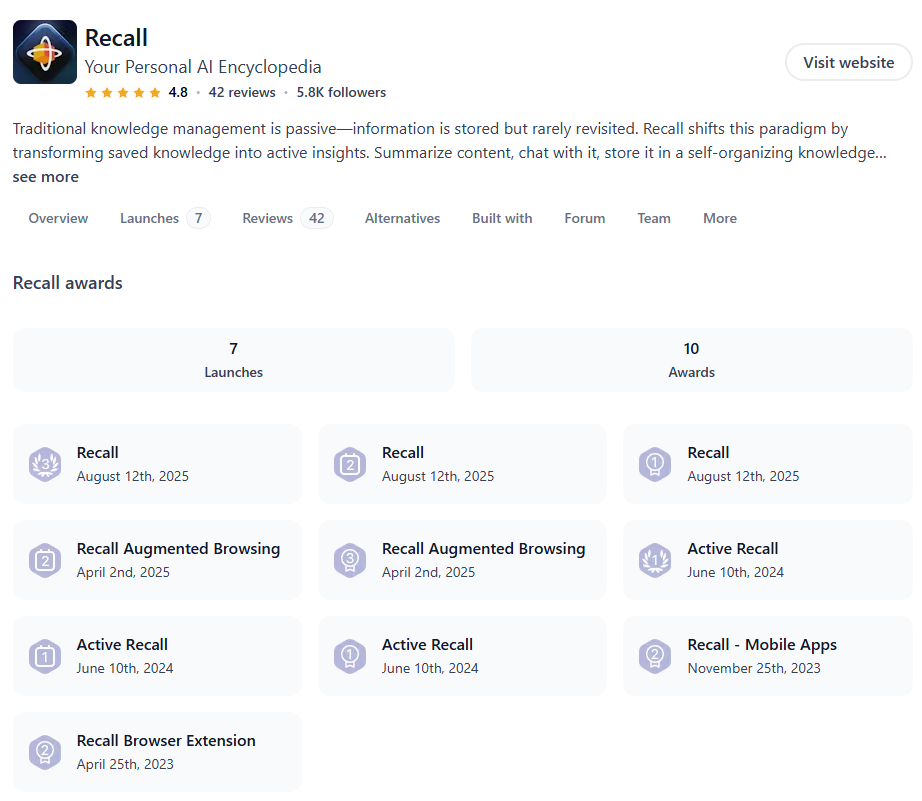
It’s packed with fascinating features that we’ll go through one by one, and its overall quality and thoughtful design have earned it multiple awards on Product Hunt, even taking the #1 spot among products in its category.
Who is it for?
Honestly, it’s useful for almost everyone, but I think it’s especially valuable for students.
They can easily upload all their lecture notes, related videos, and reading materials for any course, or simply paste in the links. Recall will summarize everything, and they can even create unlimited quizzes from their materials and test themselves as much as they want.
But realistically, most people today struggle with time management. Often, sitting through a long YouTube video or reading a lengthy article just isn’t possible.
That’s where a tool like this becomes incredibly helpful, it allows users to get to the key insights faster, achieve the goal behind their reading or watching, and actually retain what they learn.
Personally, one of my favorite features was the podcast summarization.
I often lose focus during long podcasts, and tend to forget the key insights shared halfway through, but Recall neatly condenses everything for me so I don’t miss anything important :)
To try it out, you can create an account in just a few seconds, and here’s the best part: you get full access without paying anything or entering your credit card details.
You can upload up to ten files simultaneously and start exploring right away.
The website’s design is highly user-friendly and makes it really easy to navigate through the different sections and find exactly what you need.
Now, let’s walk through a quick use case together.
Imagine a YouTube video that shows up on your homepage and looks interesting but you just don’t have the time to watch the entire thing. You still want to learn from it or understand what it’s about.

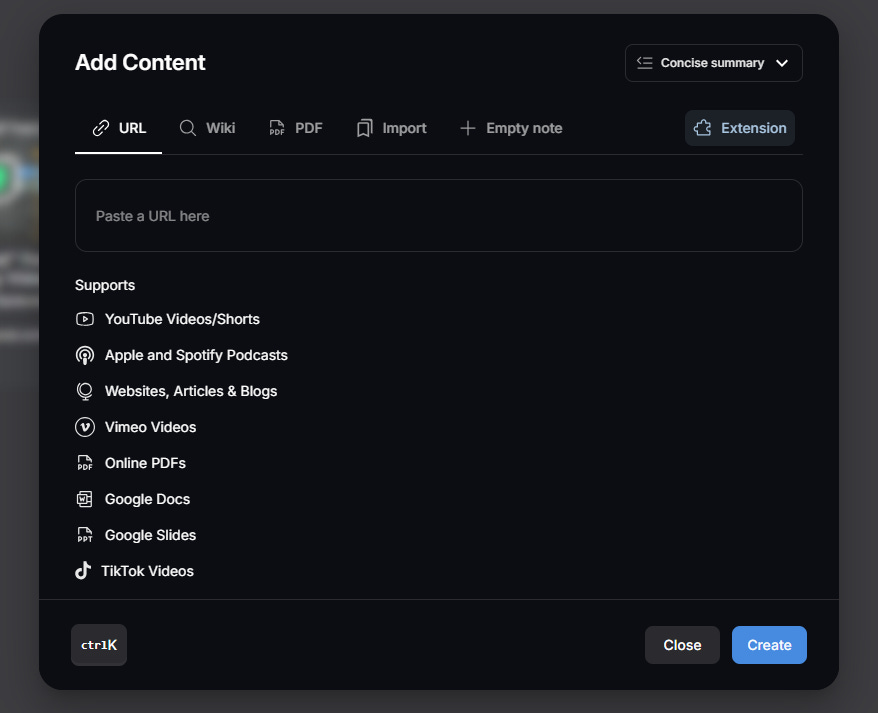
All you need to do is copy the video’s link, go to the Home section in Recall, and click Add Content.
From the list that appears, you’ll see how many different types of content you can add, even by uploading files directly from your device.
Just paste the link right there.
On the next page, Recall automatically displays the full transcript of the video, complete with timestamps.
In the middle of the page, it also categorizes and summarizes the video, and it even identifies company names, links, and key entities, all within the same page so you don’t have to look elsewhere.
Every piece of content is neatly aligned with its timing, and you can see the timestamps alongside the text.
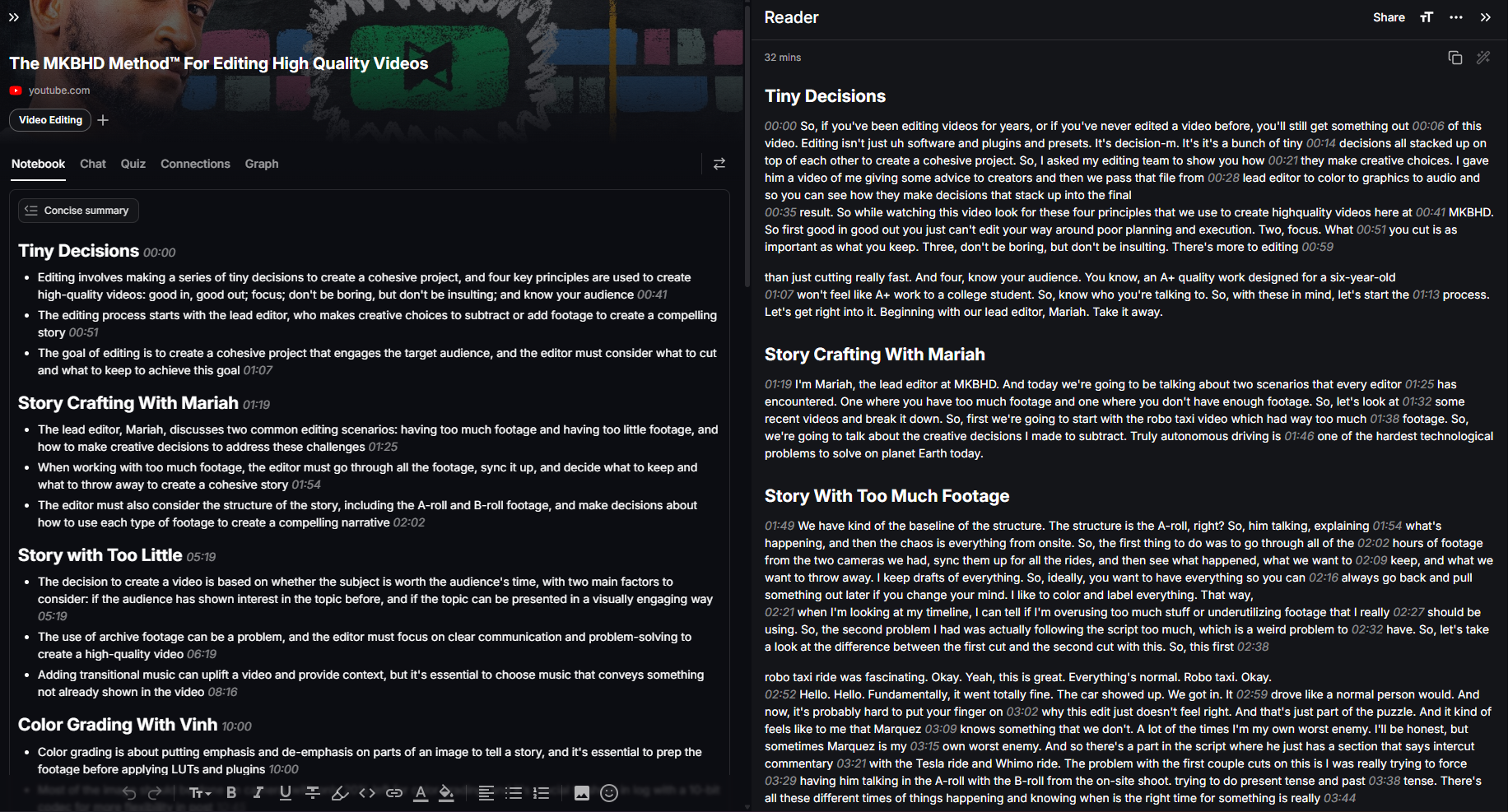
You can even add your own notes, edit the content with the built-in editor, and use all the text-editing tools available right there.
Let’s try out a few more interesting features.
In the Chat section, you can ask any question you want about the video, and Recall gives you a complete, detailed answer with the exact timestamp in the original video.
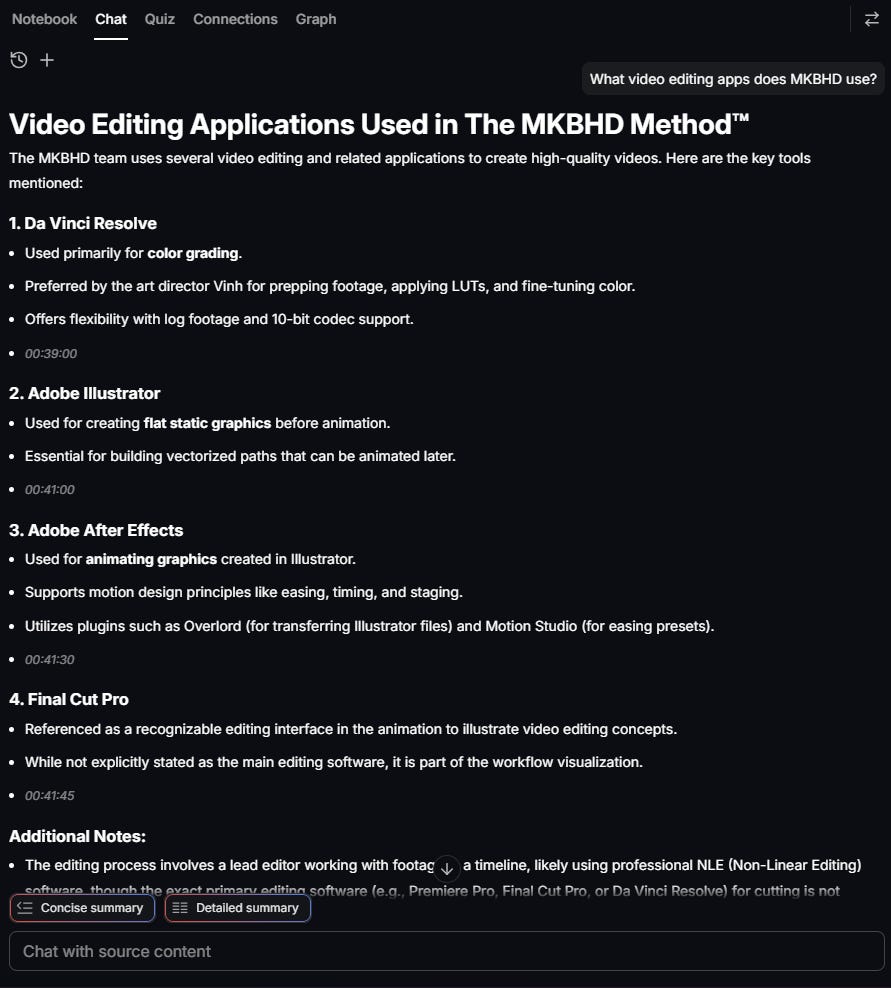
That was just a simple video example, though.
If you wanted to test your understanding of it, you could simply click the Quiz option, select Generate AI Quiz, and start answering questions about the video you added.
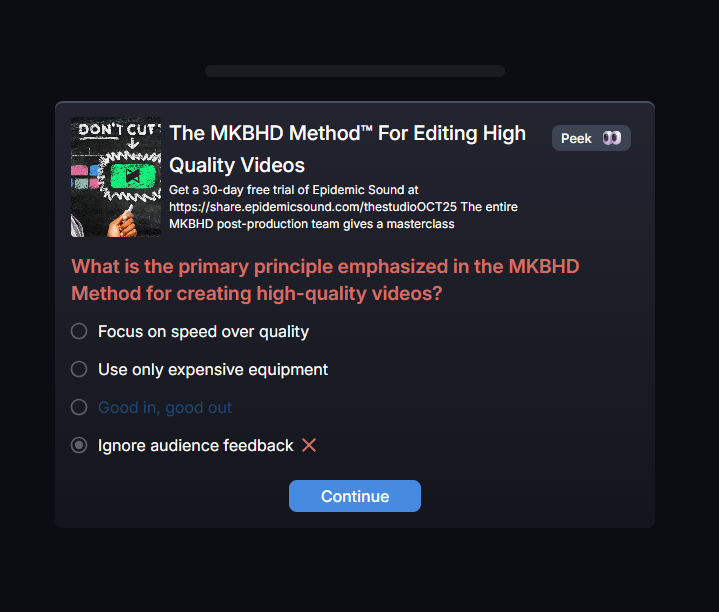
Admittedly, I didn’t pay that much attention to the video! :)
Afterward, you can check your quiz performance in the Review section.
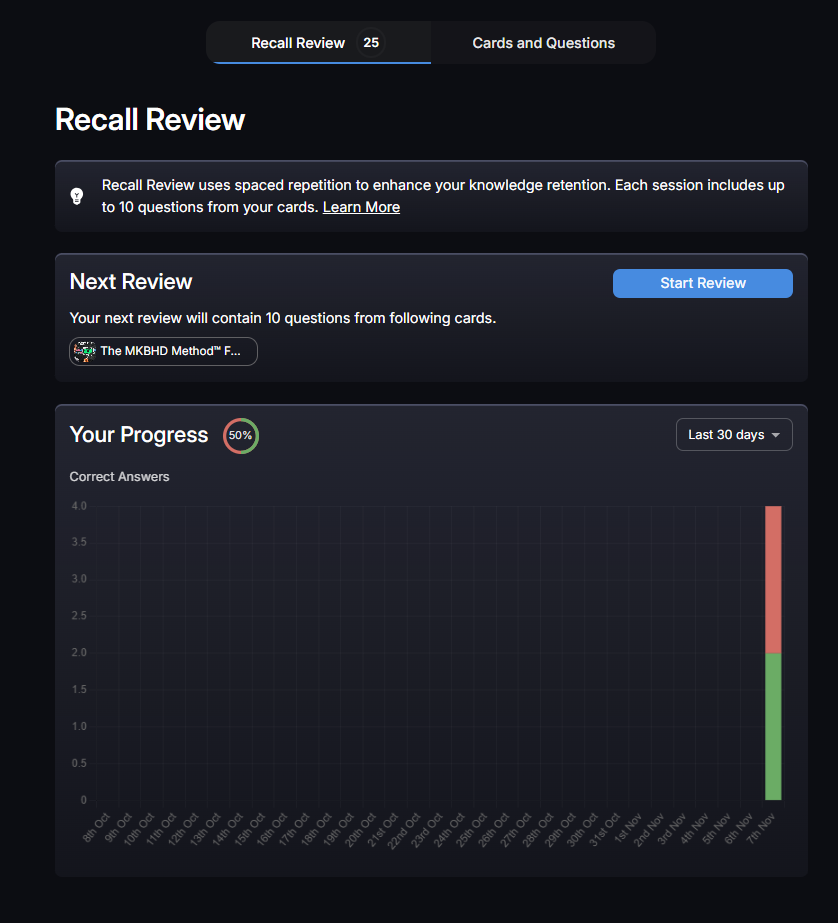
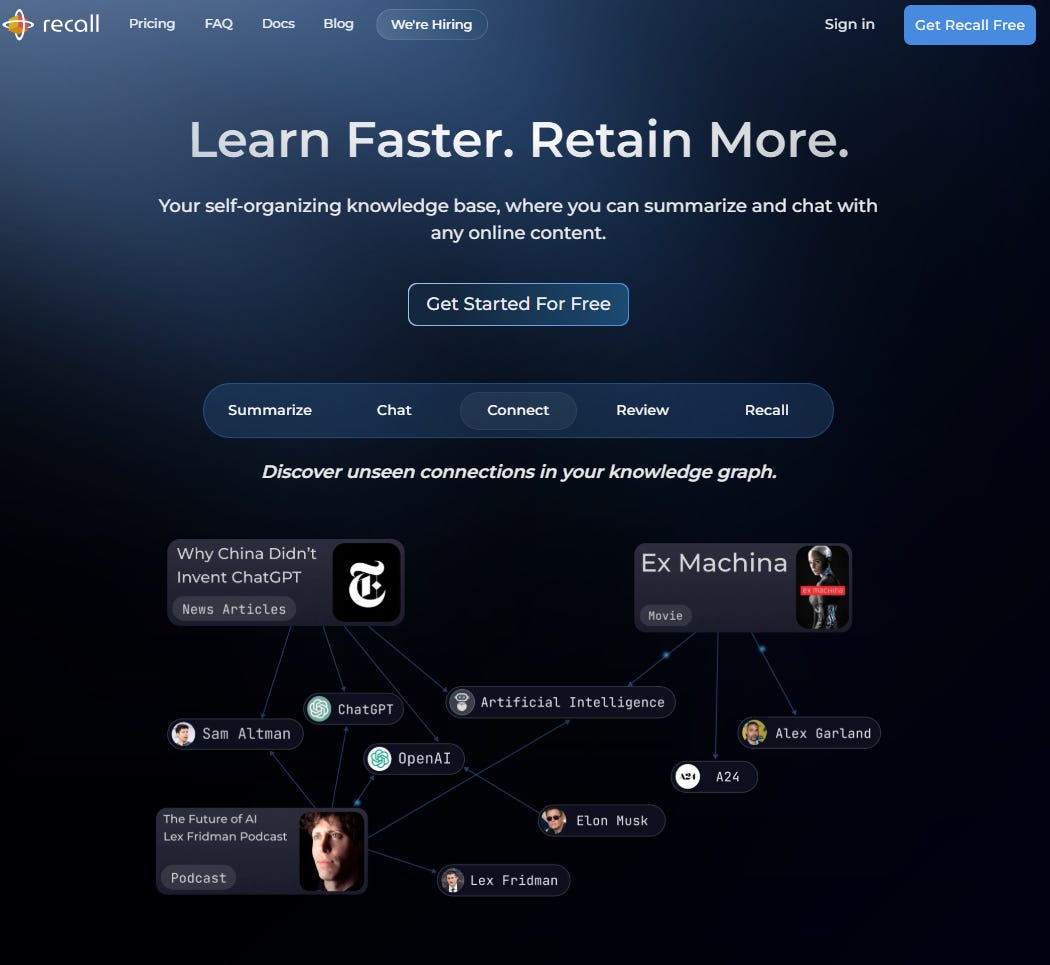
Another really cool feature is Graph View, which visually shows how different parts of your content connect to each other, their subtopics, the related keywords, and more.
Something else that caught my eye, you can export your entire Knowledge Base from Recall in Markdown format, making it easy to use your notes anywhere else.
There’s also a helpful list of common languages you can choose from to have your summaries automatically translated.
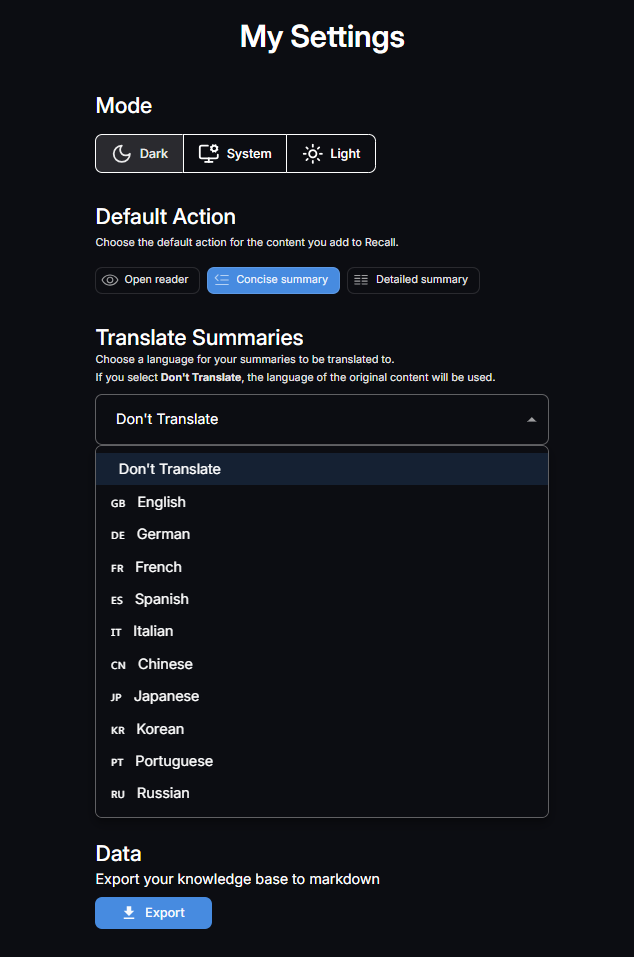
Everything about it feels thoughtfully designed with the user’s comfort in mind ;)
I’m sure once you try it yourself, you’ll discover even more creative ways to use it and learn tons of new things along the way.
At AI Agents Simplified, we take real pride in consistently introducing useful and high-quality AI tools to our followers, and we’re always thrilled when they help you work smarter :)
And here’s some good news: we’ve partnered with the Recall team to offer all our followers a 25% discount code valid until December 1st, 2025, so you can use the tool freely for all your studies and projects.
Just use the link below and apply the code AI25.
Hope you enjoy it 🍻.
Recall is interesting but I am really curious to understand more impactful use cases of recall beyond learning summaries
NotebookLM is providing same features since long.